TS Pivot Point SuperTrend – Swing-Point Trend Indicator
A SuperTrend built on swing points, not every bar, for NinjaTrader 8. Optional ADX / higher-timeframe filter, RSI divergence context and no repainting.
Secure download
Instant access
Lifetime updates
Free forever
2 activations
Per licence
Documentation
Step-by-step guides
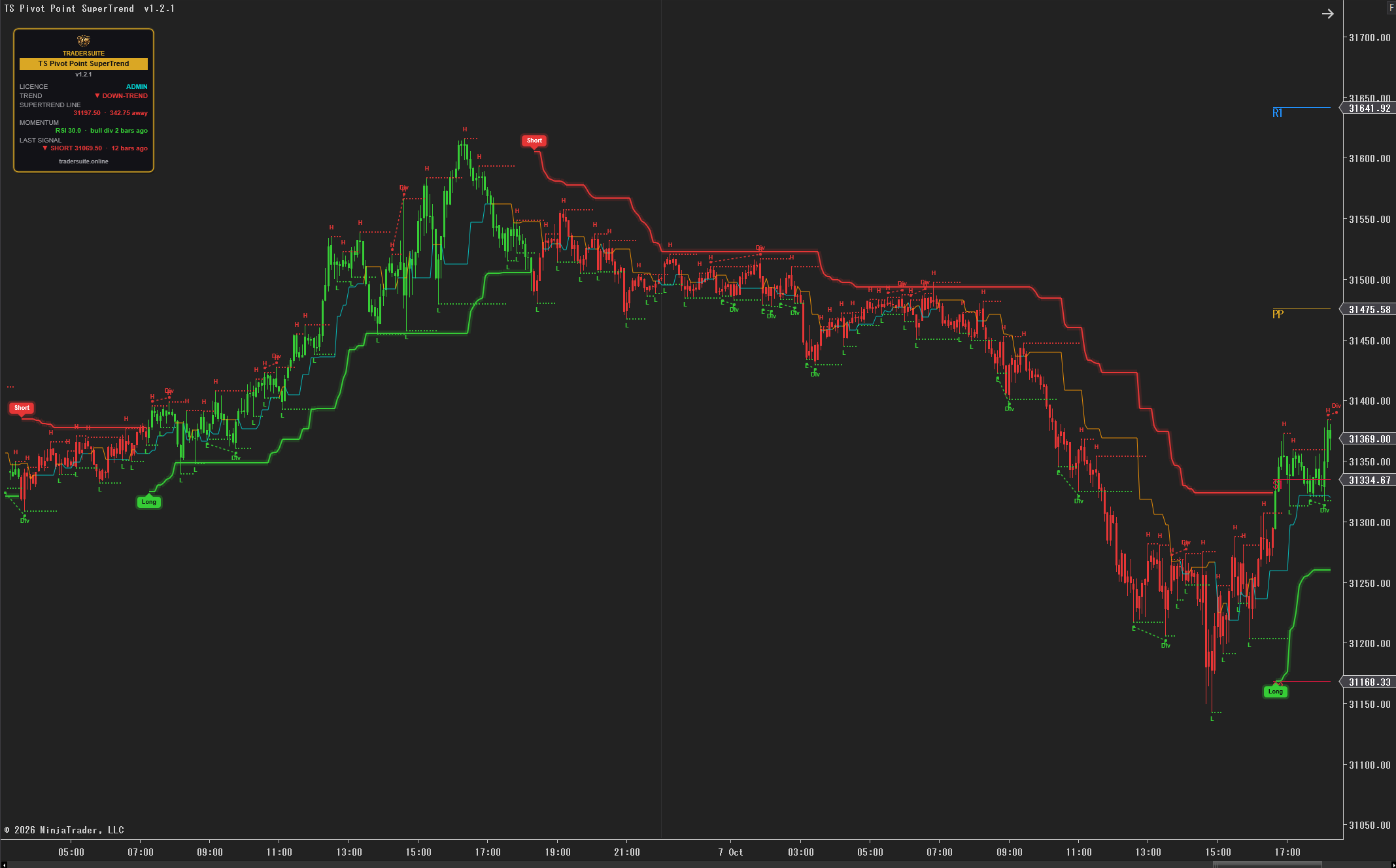
A SuperTrend that follows swing points, not every candle
A standard SuperTrend centres its bands on each bar's middle price, so the line moves with every candle. In a choppy market that means flip after flip. TS Pivot Point SuperTrend builds its centre line from pivot highs and lows — the places where price actually turned. Each new pivot pulls the centre line one third of the way towards it, so the line moves only when the market makes a new swing.
How the line works
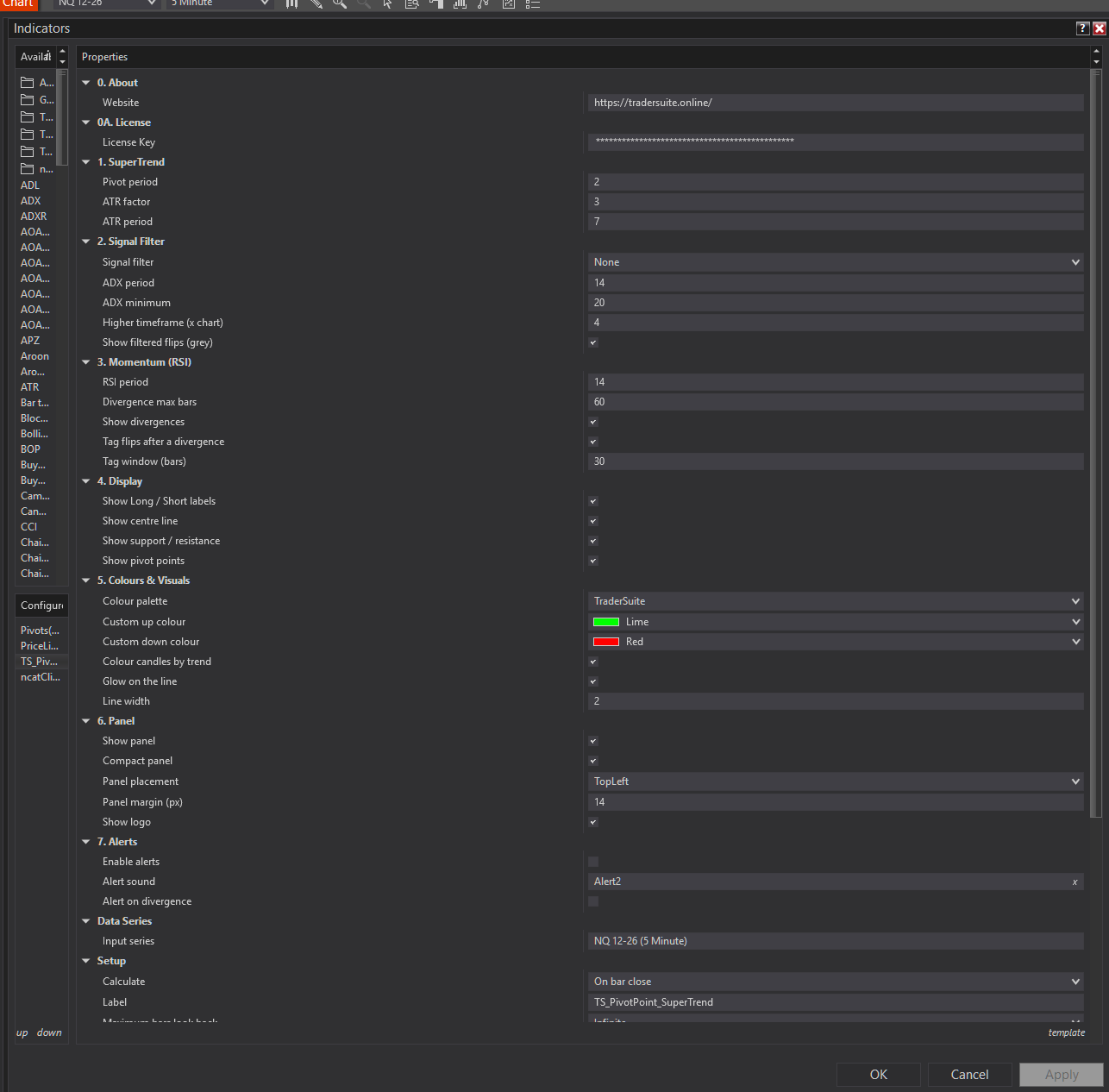
- Pivots — a pivot high is a high with lower highs on each side (2 bars by default); a pivot low is the mirror.
- Centre line — a weighted average of the pivots: (centre × 2 + new pivot) ÷ 3.
- Bands — the centre ± ATR × factor (ATR 10 × 3 by default). The active band is the SuperTrend line, and it only moves in the trend's favour, like a trailing stop.
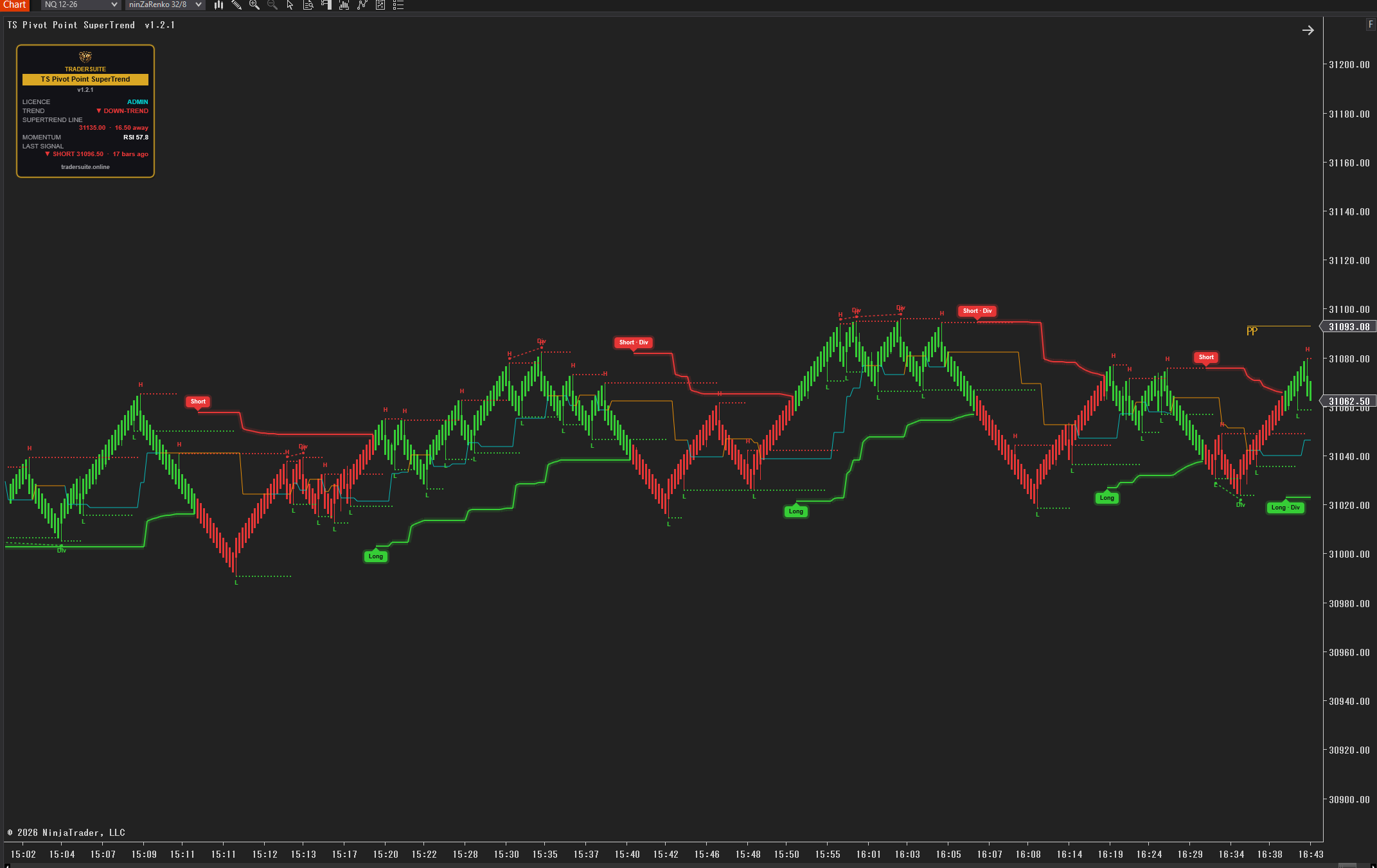
- Flip — a close through the line turns the trend. Candles take the trend's colour and a Long or Short label marks the bar.
Optional signal filter
Want fewer signals in choppy markets? Switch on the filter: ADX (only flips while the market is trending) or a higher timeframe (only flips that agree with the SuperTrend on a bigger timeframe, built from your chart's own bars). Flips the filter does not confirm are drawn as grey labels. The filter never moves the line.
RSI divergence context
The indicator compares the RSI at consecutive swing points and draws bullish and bearish divergences as dashed lines on price. A flip that comes soon after a divergence in the same direction gets a Div tag. This is context to help you read the move — it never changes the line or the signals.
The Oscillator
TS Pivot Point SuperTrend Oscillator puts the RSI in its own panel under the chart, coloured by the SuperTrend's trend, with overbought / oversold shading, the same divergences and a mark at every flip. One licence key runs both.
Honest by design
Signals are worked out on closed bars only. A colour or a label never changes afterwards — no repainting.
What you get
- TS Pivot Point SuperTrend — the line with glow, coloured candles, Long / Short labels, optional centre line, support / resistance and pivot marks
- TS Pivot Point SuperTrend Oscillator — RSI panel coloured by trend, with divergences and flip marks
- Optional ADX or higher-timeframe signal filter, with grey labels for unconfirmed flips
- RSI divergences with a Div tag on matching flips
- Six colour palettes, including your own two colours
- Compact four-corner panel: trend, distance to the line, momentum and last signal
- Real-time alerts on flips and divergences, with your own sound
- Strategy outputs for NinjaScript and the Market Analyzer
- 28-page illustrated PDF user guide and a video walkthrough
- Lifetime updates, included in Pro Membership
Questions traders ask
How is it different from the free SuperTrend?
The free one centres its bands on every bar's middle price. This one centres them on swing points, so the line ignores bars that make no new swing.
Does it repaint?
No. Signals use closed bars only. Pivot marks and support / resistance dots are drawn back at the pivot bar once the pivot is confirmed, which is a set number of bars later.
Which timeframe should I use?
Any. Faster charts give more flips; slower charts give fewer, longer trends. The user guide shows typical settings for 2, 5, 15 and 60-minute charts.
Which markets does it work on?
Any instrument and any bar type, including NQ, ES, Gold, Crude, their micros, forex, stocks and Renko-style bars.
Do I need both indicators?
No, each works on its own. The same key unlocks both.
Can I use it in a strategy?
Yes. It exposes the SuperTrend line, centre line, support, resistance, Trend (+1 / −1), Signal, RSI, Divergence and the higher-timeframe trend.
Is it included in Pro Membership?
Yes. Pro Members unlock it with their membership key.
Please note: TS Pivot Point SuperTrend shows the trend and its changes — it does not predict price and places no orders. Trading futures involves substantial risk of loss. Educational tool, not financial advice.
Product Demo
Related products
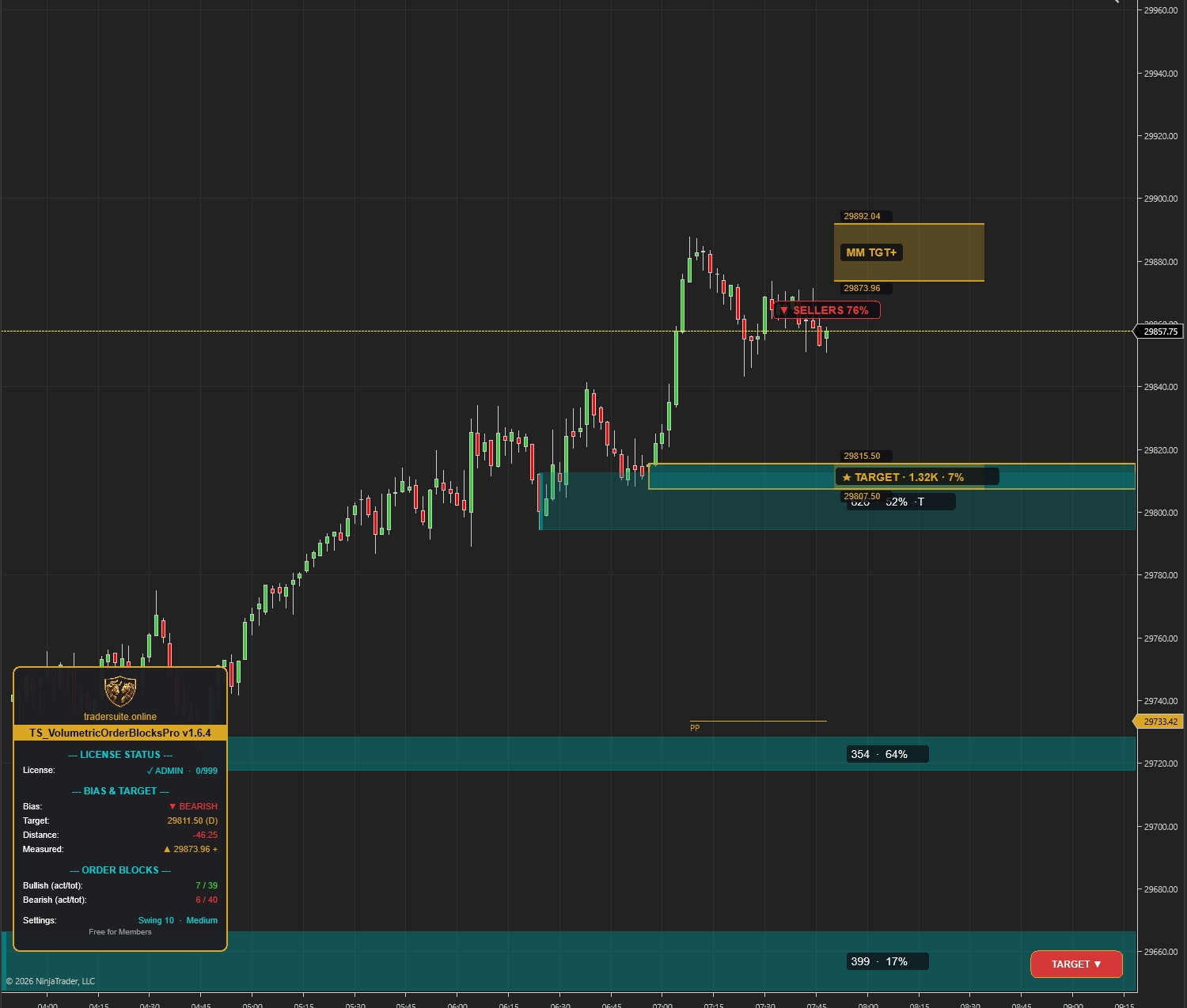
Volumetric Order Blocks Pro
Automatically detect institutional supply & demand zones with volume-weighted order blocks. Identify potential reversal zones where smart money is positioned.
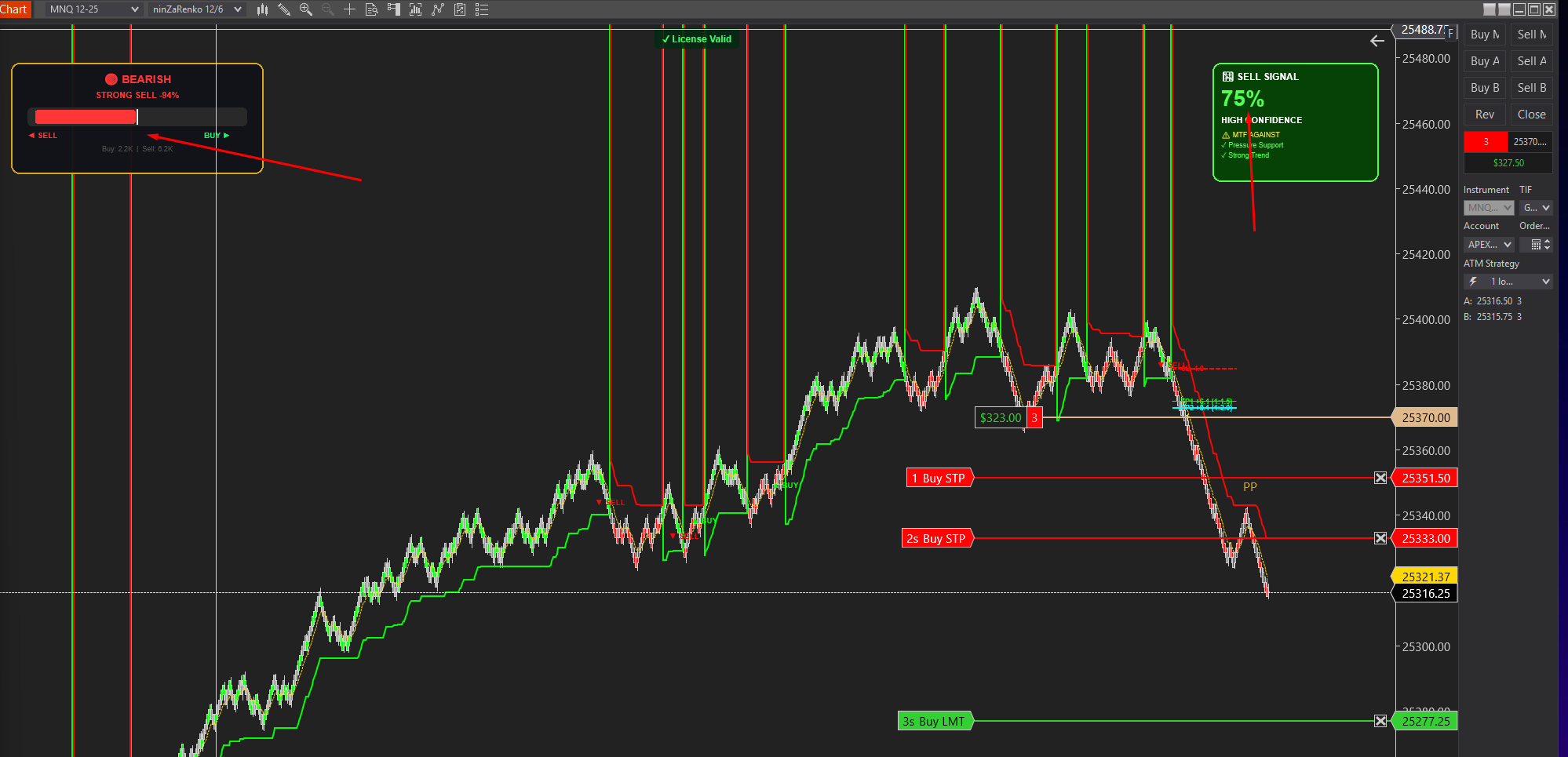
Smartflowpro
Advanced order flow analysis with real-time Pressure Delta Meter, multi-timeframe confluence scoring, and intelligent signal probability rating. Know who's in control before you trade.
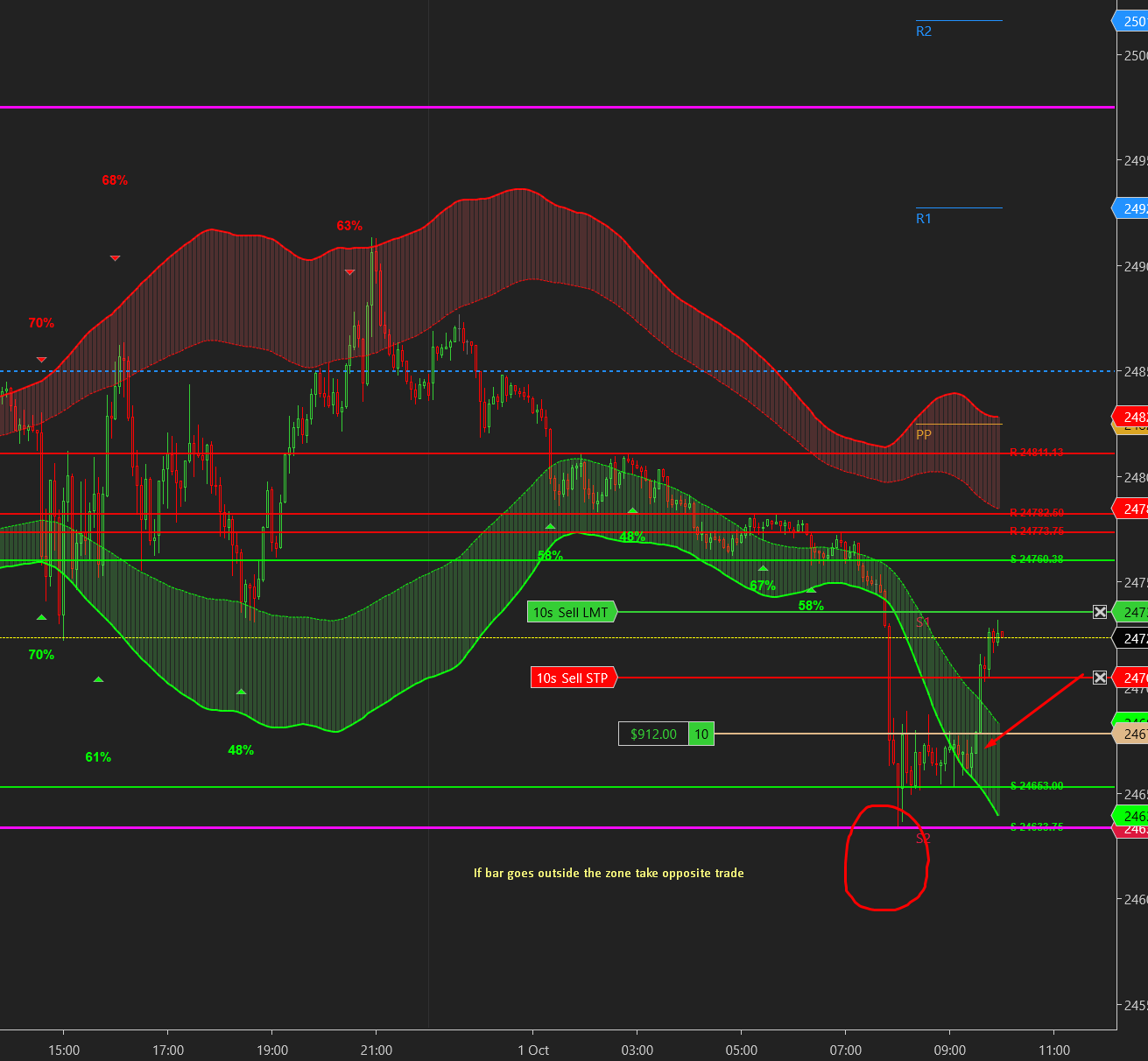
UltraADXVolatilityWaves
Professional ADX-powered volatility zones indicator with dynamic Support/Resistance, Daily/Weekly levels, ATR-based TP/SL targets, and probability-scored signals. Identify potential reversal zones in real-time.
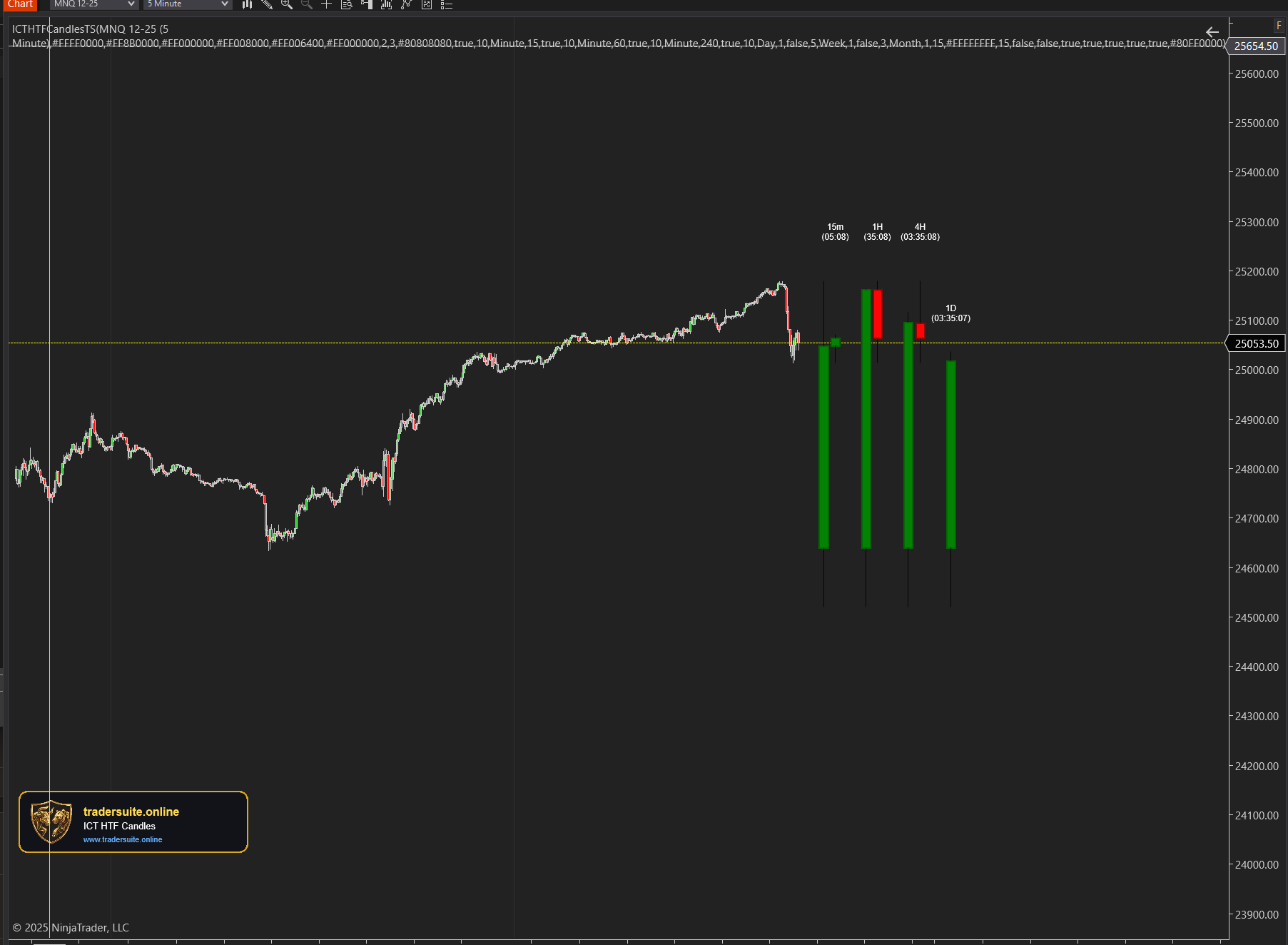
ICT HTF Candles Pro
Visualize multiple higher timeframe candles directly on your chart with real-time countdown timers, Fair Value Gap detection, and Volume Imbalance highlighting. Perfect for ICT traders who need multi-timeframe confluence without switching charts.