Trade Calendar
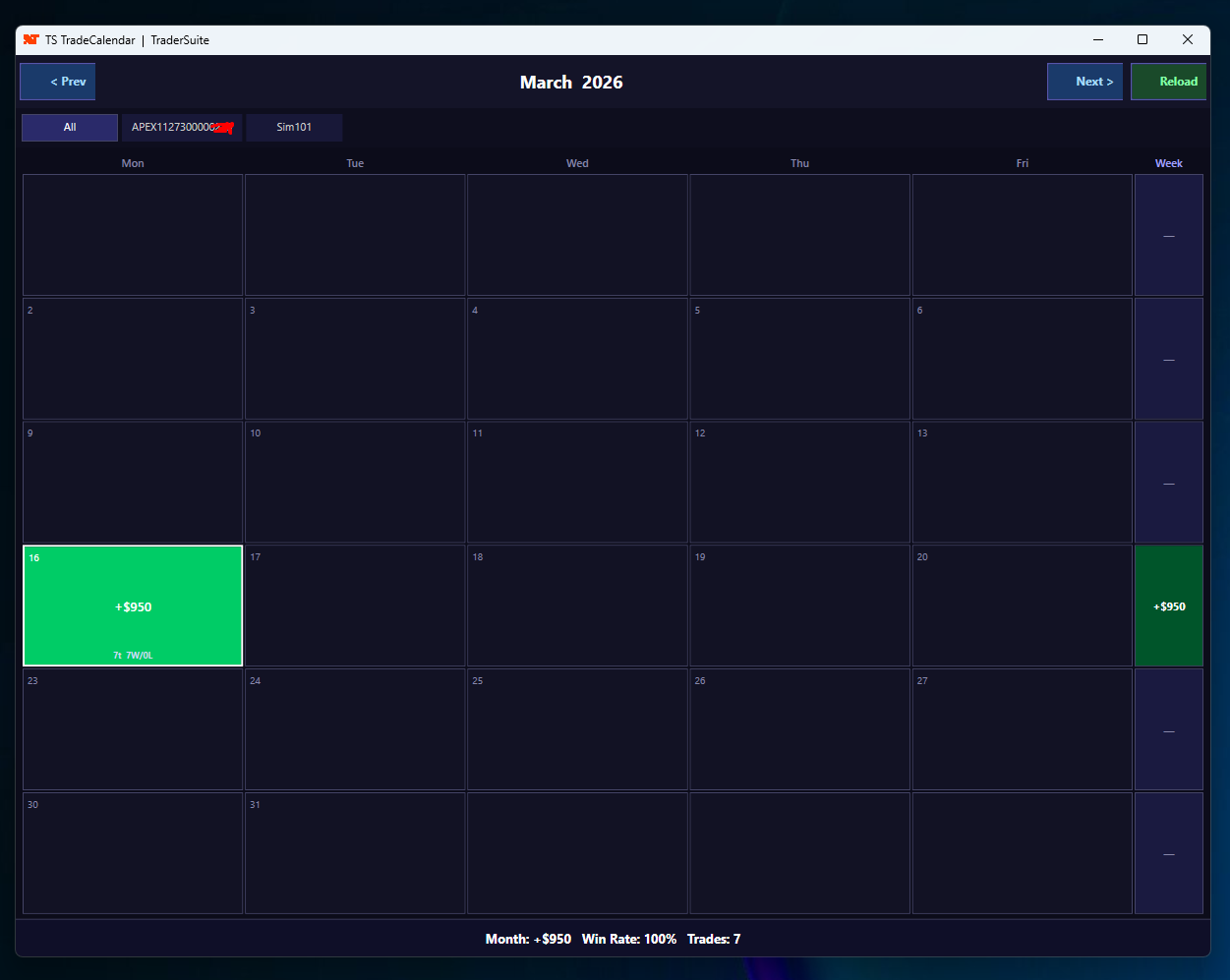
A free floating P&L calendar for NinjaTrader 8. Tracks all your connected prop firm and live accounts simultaneously, displaying daily profit/loss, win rate, and trade count in a clean heat-mapped calendar view. No license required — free for all traders.
Secure download
Instant access
Lifetime updates
Free forever
2 activations
Per licence
Documentation
Download user guide
TS TradeCalendar — Free Multi-Account P&L Calendar
TS TradeCalendar opens a standalone floating window that tracks your trading performance across all connected accounts simultaneously — Apex, Topstep, Earn2Trade, Sim, and live accounts all in one view.
Key Features
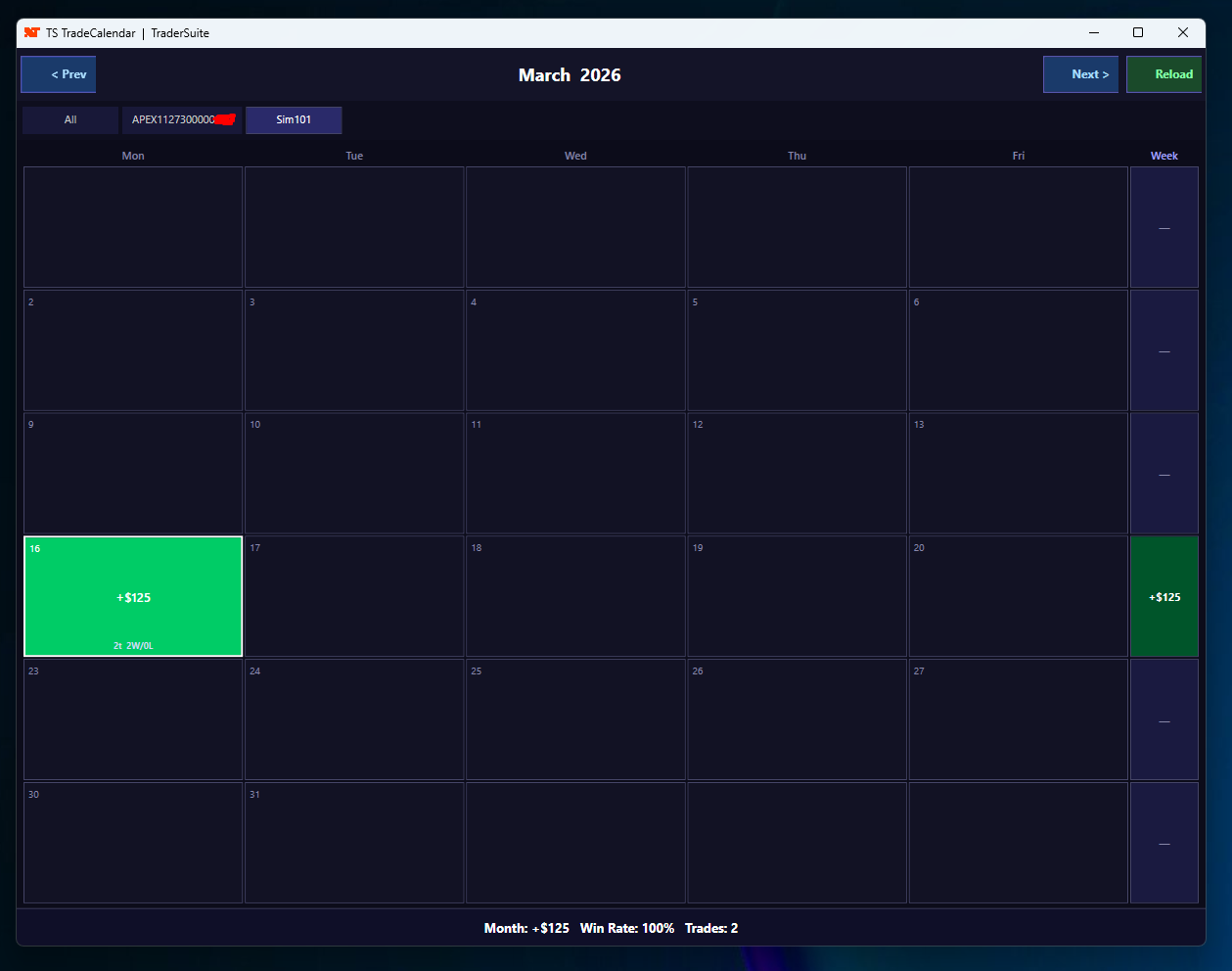
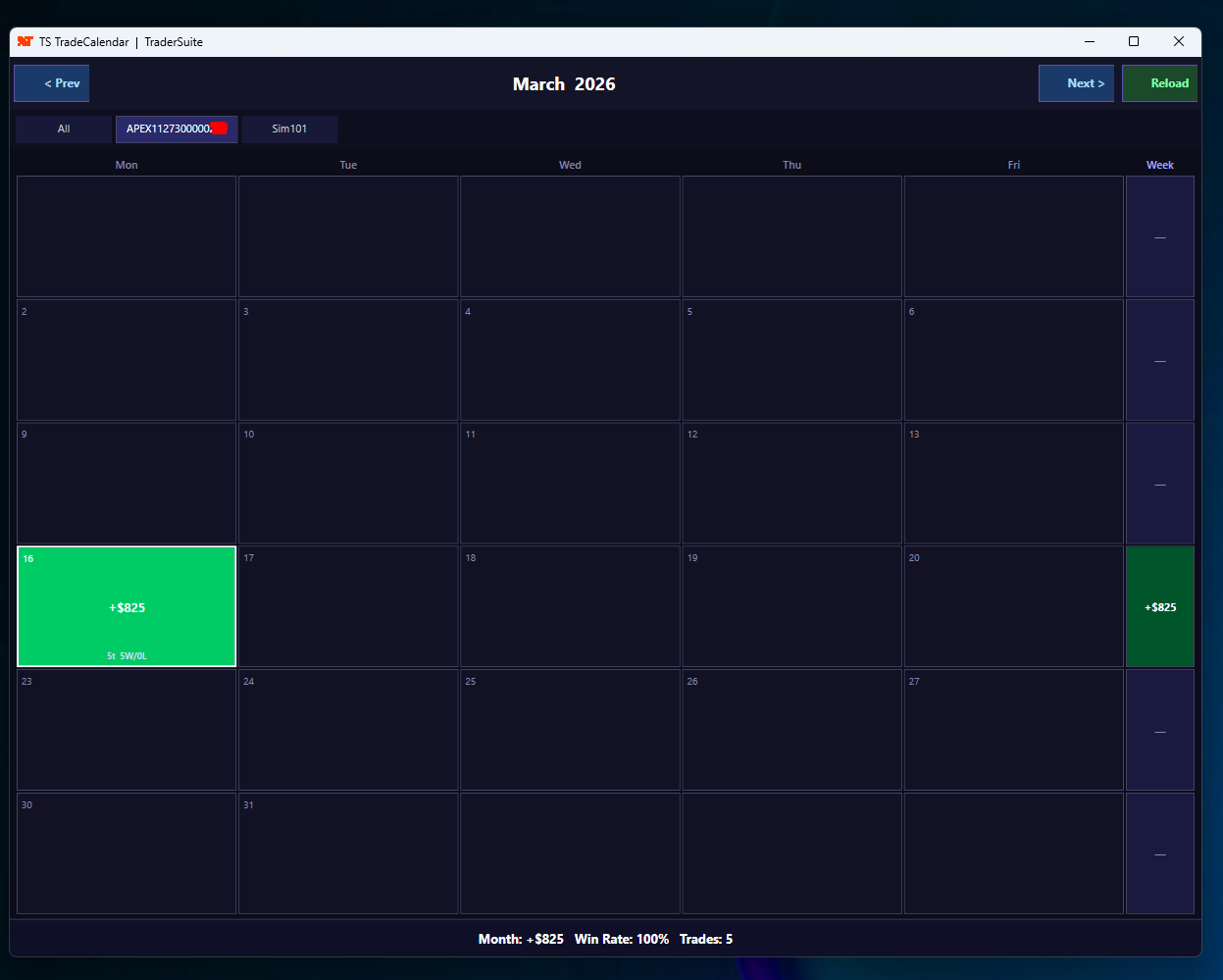
- Multi-account support — switch between Apex, Sim, or any prop firm account with one click, or view all accounts combined
- Heat-mapped calendar — green cells for profitable days, red for losing days, intensity reflects magnitude
- Daily stats — P&L, trade count, winners vs losers shown inside each cell
- Weekly totals — right-hand column shows running weekly P&L
- Monthly summary — total P&L, win rate %, and trade count at the bottom
- Target & loss limit badges — ✓ when daily target hit, ✕ when daily loss limit breached
- Today highlighted — current day always has a bright border
- Floating window — dockable, resizable, stays on top of your charts
- 100% Free — no license key required
How to Install
- Download TS_TradeCalendar.cs
- Copy the file to:
Documents\NinjaTrader 8\bin\Custom\Indicators\TraderSuite\
(Create the TraderSuite folder if it does not exist) - Open NinjaTrader 8
- Go to Tools → NinjaScript Editor
- Press F5 to compile — you should see no errors
- Add to any chart: right-click chart → Indicators → find TS_TradeCalendar under the TraderSuite folder → click Add → OK
- A floating calendar window will open automatically
Usage
- < Prev / Next > — navigate between months
- Reload — force refresh all trade data from connected accounts
- Account tabs — click any account name to filter, or click All to see combined view
- The calendar auto-updates every time a new bar closes on your chart
Related products
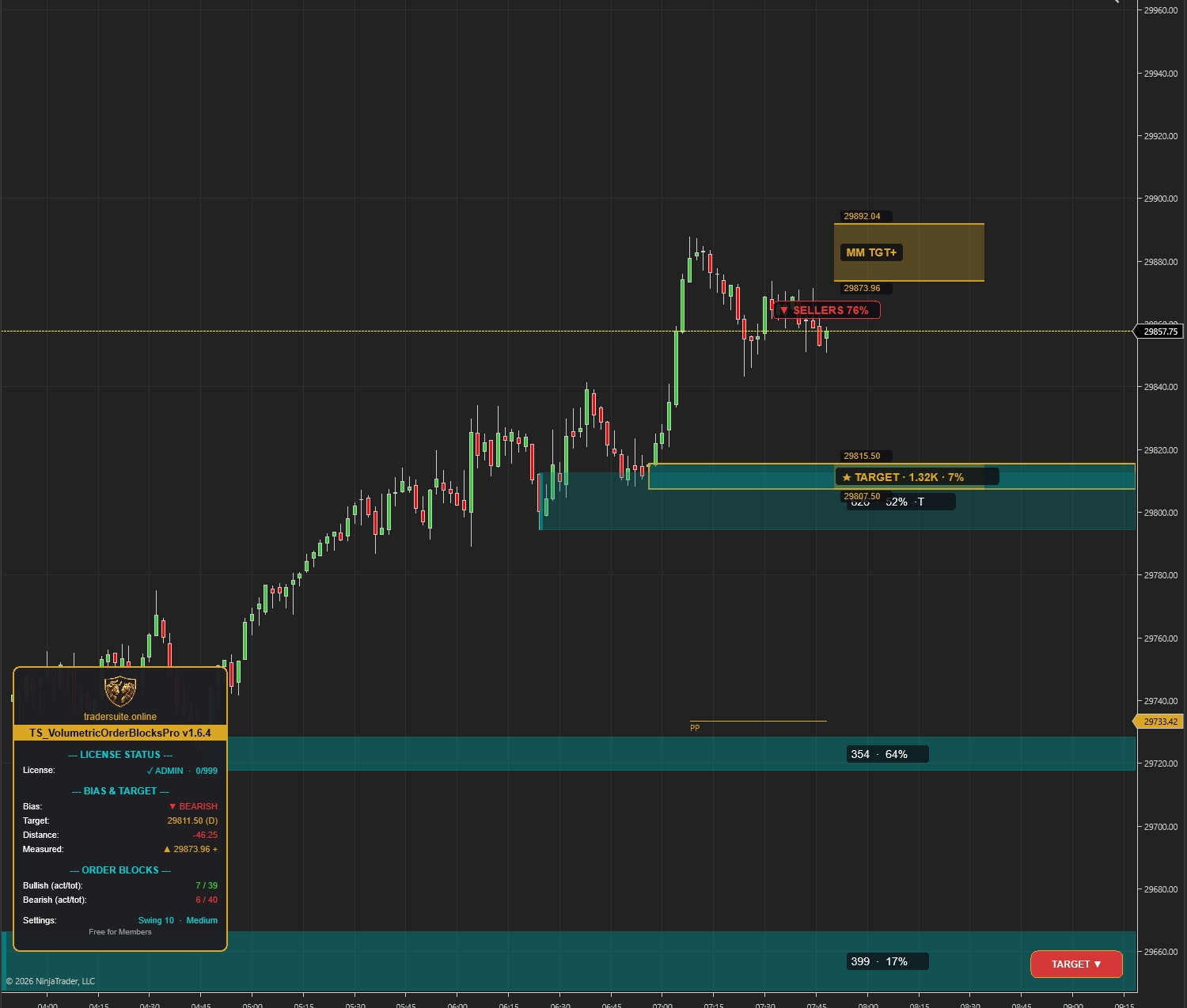
Volumetric Order Blocks Pro
Automatically detect institutional supply & demand zones with volume-weighted order blocks. Identify potential reversal zones where smart money is positioned.
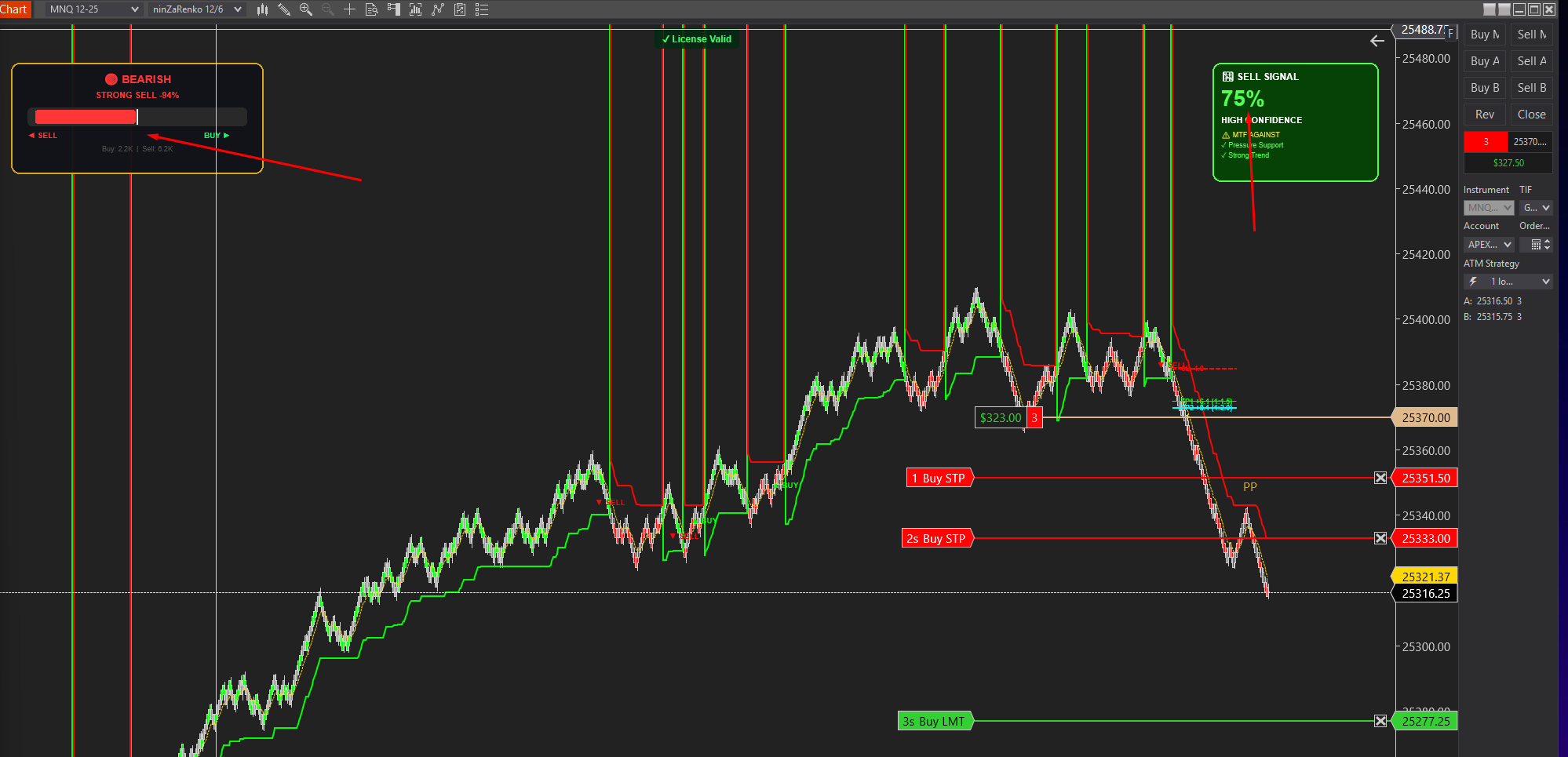
Smartflowpro
Advanced order flow analysis with real-time Pressure Delta Meter, multi-timeframe confluence scoring, and intelligent signal probability rating. Know who's in control before you trade.
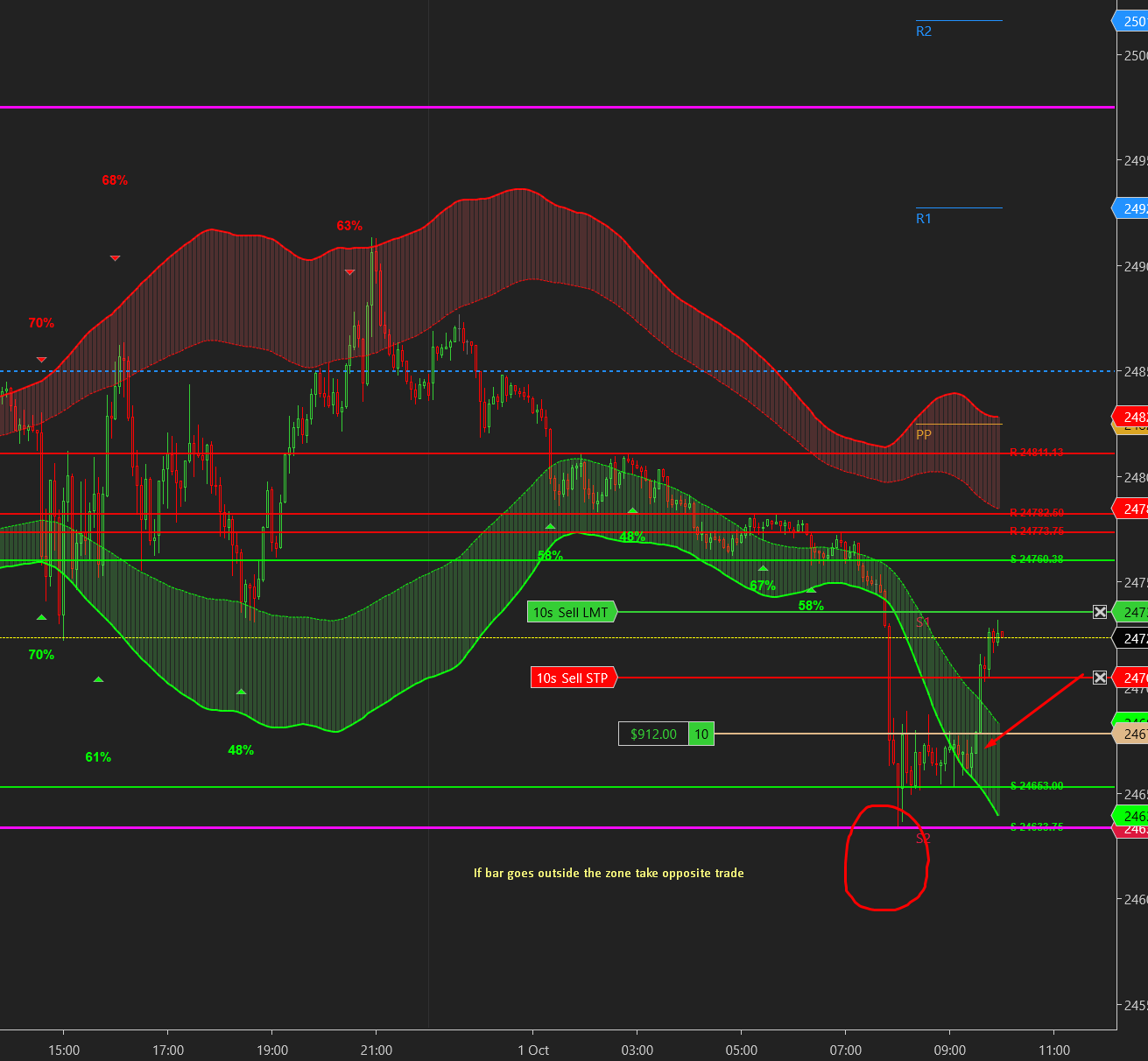
UltraADXVolatilityWaves
Professional ADX-powered volatility zones indicator with dynamic Support/Resistance, Daily/Weekly levels, ATR-based TP/SL targets, and probability-scored signals. Identify potential reversal zones in real-time.
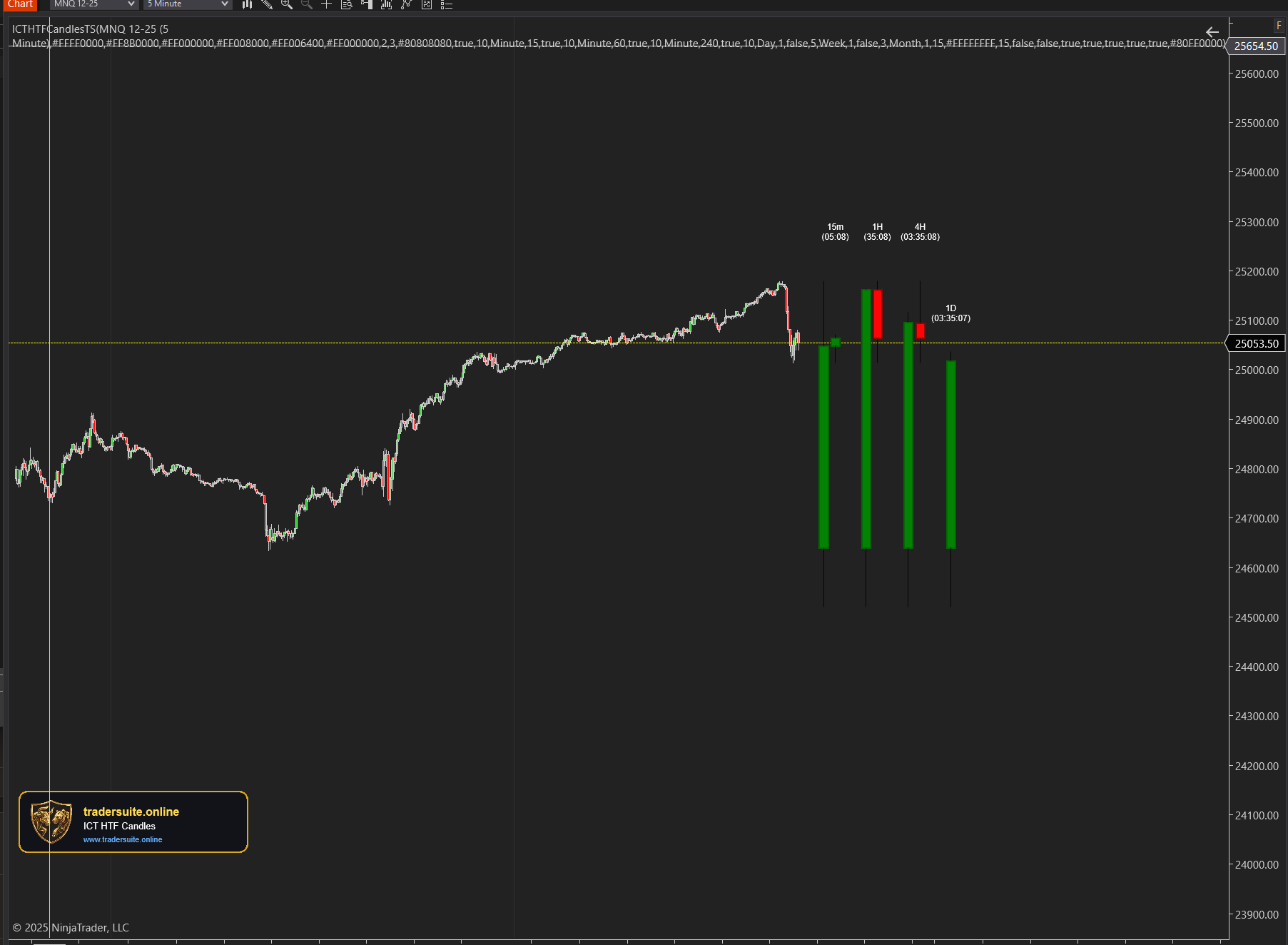
ICT HTF Candles Pro
Visualize multiple higher timeframe candles directly on your chart with real-time countdown timers, Fair Value Gap detection, and Volume Imbalance highlighting. Perfect for ICT traders who need multi-timeframe confluence without switching charts.