TS Gamma Setups – GEX Wall & Flip Signals
Three rule-based setups at the call wall, put wall and zero gamma flip, each confirmed by order flow, with entry, stop and two targets drawn on NQ and ES.
Descarga segura
Acceso inmediato
Actualizaciones de por vida
Gratis para siempre
2 activaciones
Por licencia
Documentación
Descargar guía de usuario
Trade setups at the gamma levels, confirmed by order flow — for NinjaTrader 8
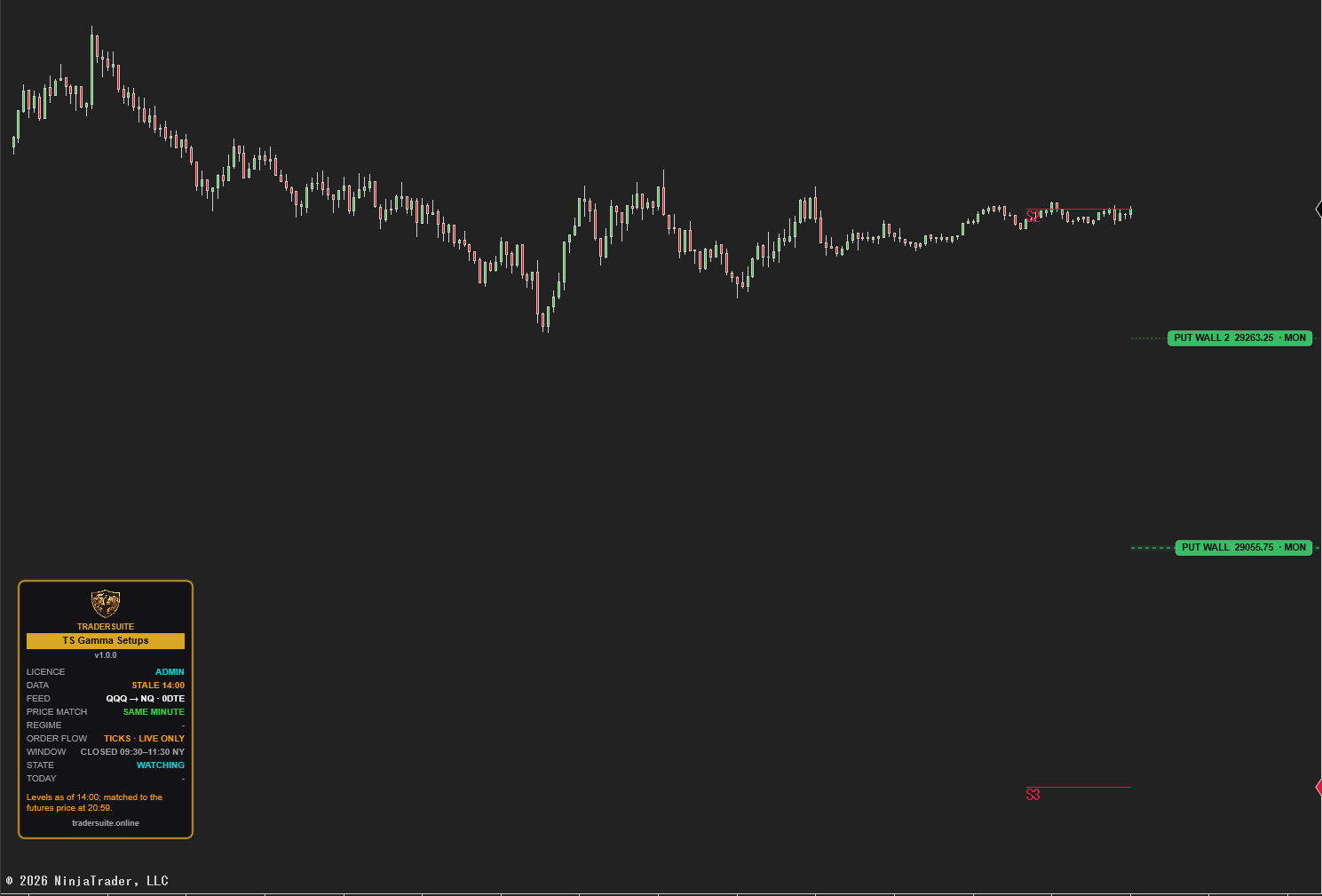
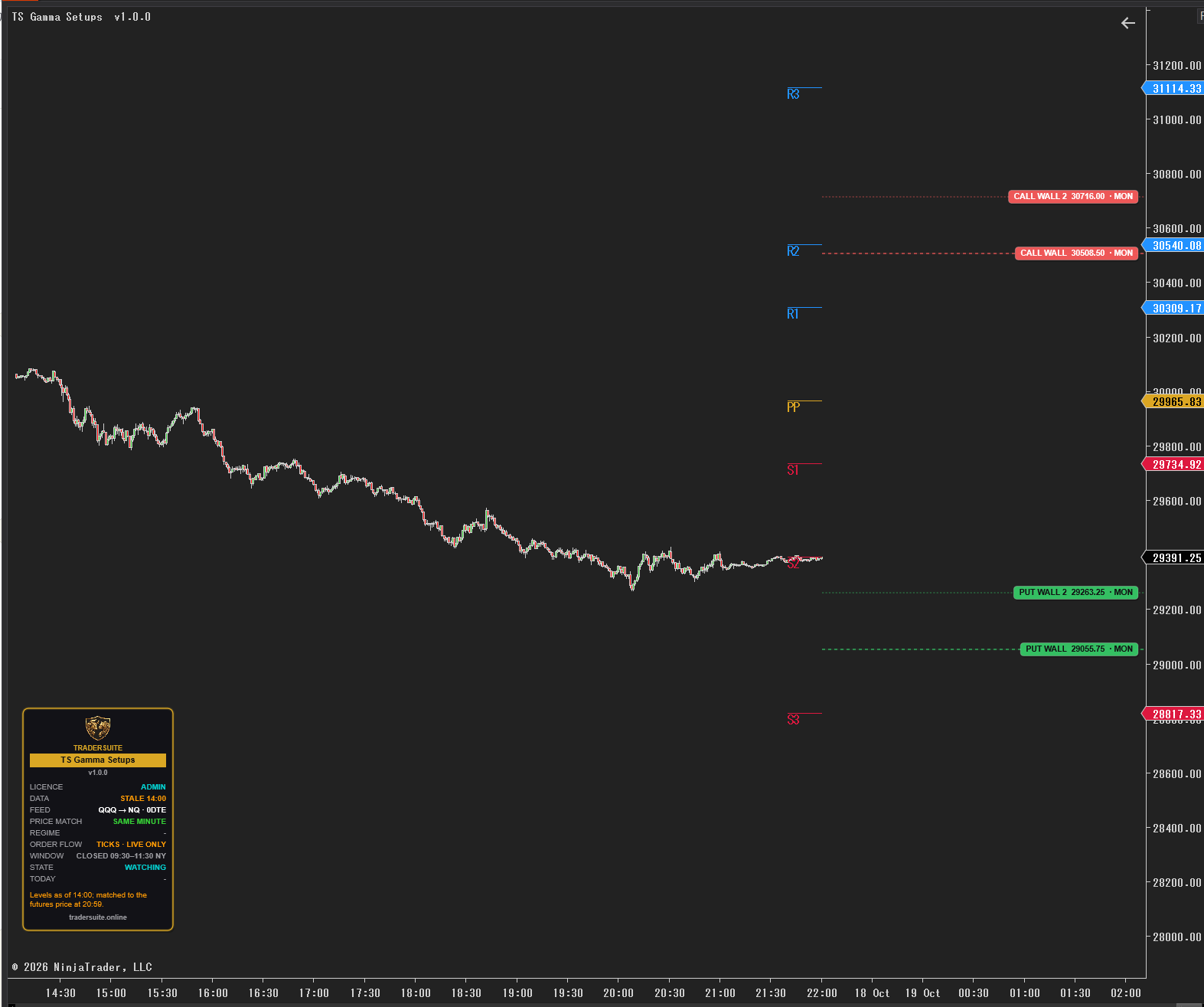
TS Gamma Setups watches the day's gamma levels — the call wall, the put wall and the zero gamma flip — on your NQ, MNQ, ES or MES chart, and marks a setup only when price reaches a level and the order flow agrees. It does the part a trader normally does by eye: go to the level, wait for the reaction, and let the buying and selling decide.
Three setups, written as rules
- Wall reaction — price drifts slowly into a wall, heavy orders absorb the push, then the other side takes over. Long at a put wall, short at a call wall.
- Wall reclaim — price pushes fast through a wall, the chasers are trapped, and a bar closes back on the wall's side. Fades the failed break.
- Zero gamma break — price closes and holds below the flip while the bars get bigger: the market has moved into negative gamma. Short towards the put wall (the long mirror is optional).
Every signal needs proof from the order flow
A level tells you where to look; order flow tells you whether anyone is acting there. Each signal needs a delta flip plus absorption or stacked imbalances (or trapped traders for a reclaim). On a Volumetric chart the footprint is read directly; on any other chart the indicator builds its own footprint from live trades (Tick Replay gives it history too).
A full plan on the chart
Each signal draws its entry, stop, T1 and T2. The stop sits just beyond the price that must hold; T2 is the next gamma level; T1 is half way. Signals with a stop that is too wide, or a T2 under 2R, are skipped. When the trade ends the outcome is written on the chart, and every finished signal can be logged to a CSV file so you can review the method on your own data.
Levels that sit where they really are
The levels come from the TraderSuite gamma feed (the same feed as TS Gamma Pro), built from delayed options data. TS Gamma Setups converts them onto futures with the futures price of the same minute as the options quote, so a wall is not 15 minutes out of date on your chart. Levels are drawn as step lines that change only when a new value reached your PC — looking back, you see exactly what the indicator knew at the time.
Discipline built in
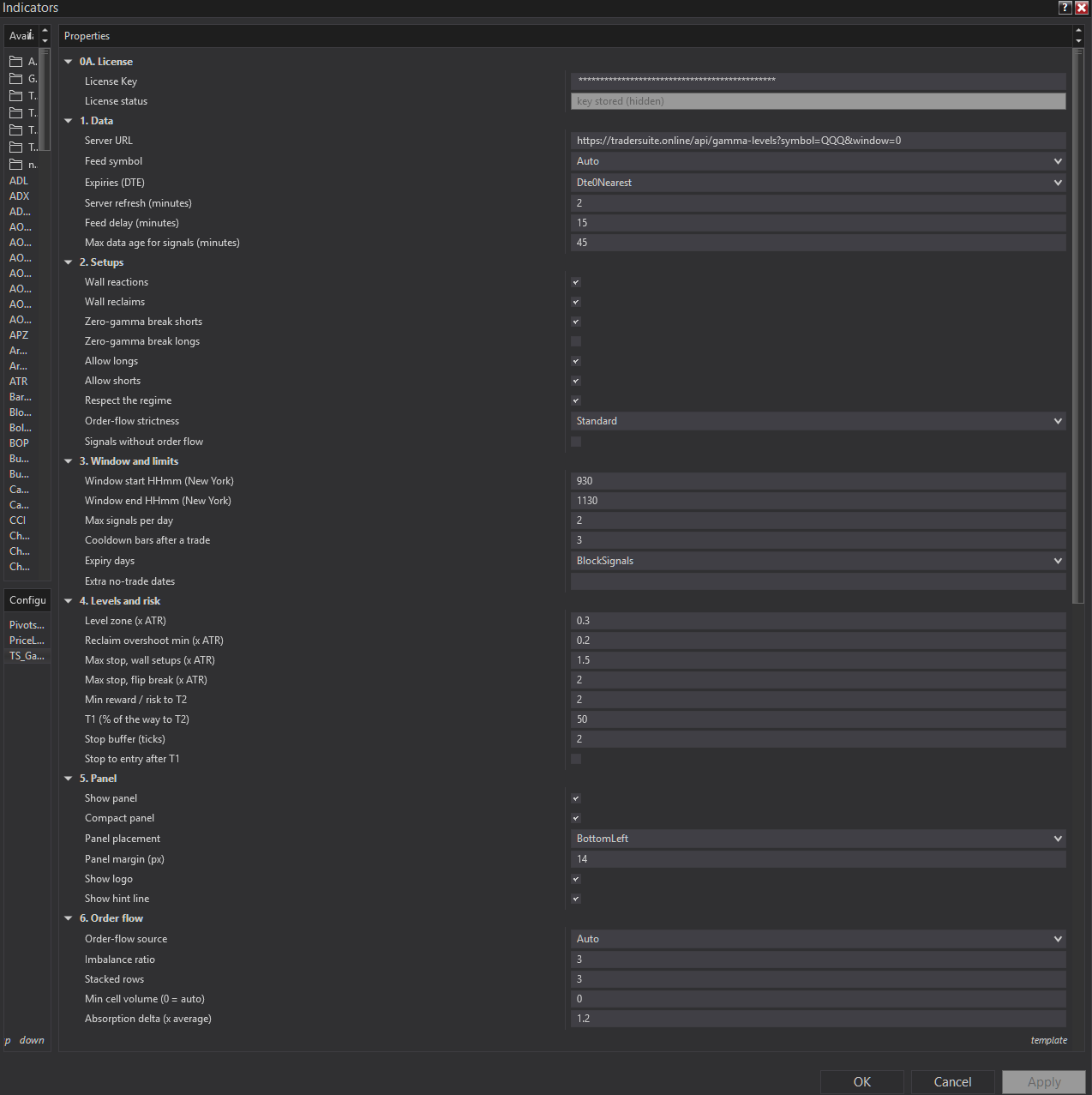
- Signals only in the 09:30–11:30 New York window (adjustable), when 0DTE hedging is heaviest
- Two signals a day, one trade at a time, a cooldown after each trade
- No signals on monthly OPEX, triple witching or VIX expiry — or your own news dates
- Call-wall shorts only above the flip (Respect the regime)
- Broken walls are retired for the day
Questions traders ask
Does it place trades?
No. It marks setups on closed bars and shows the plan. The decision stays with you.
Do I need a Volumetric chart?
No. Volumetric bars (NinjaTrader Order Flow+) are read directly. On any other chart it builds the footprint from trades; turn on Tick Replay so past bars have order flow too.
Does it repaint?
No. Signals are decided on closed bars with the levels known at that time, and never move or disappear.
How is it different from TS Gamma Pro?
TS Gamma Pro draws the full gamma map (flip, walls, expected moves, open-interest strikes). TS Gamma Setups uses the flip and walls to mark rule-based setups with order-flow confirmation and a trade plan. They work well together.
Is it real-time options data?
No. The levels are built from delayed options data and open interest that updates once a day. The panel always shows the time of the levels in use.
Is it included in Pro Membership?
Yes. Pro Members unlock it with their membership key.
Please note: TS Gamma Setups is decision support, not autopilot. A level is context, not a promise. Educational tool, not financial advice.
Productos relacionados
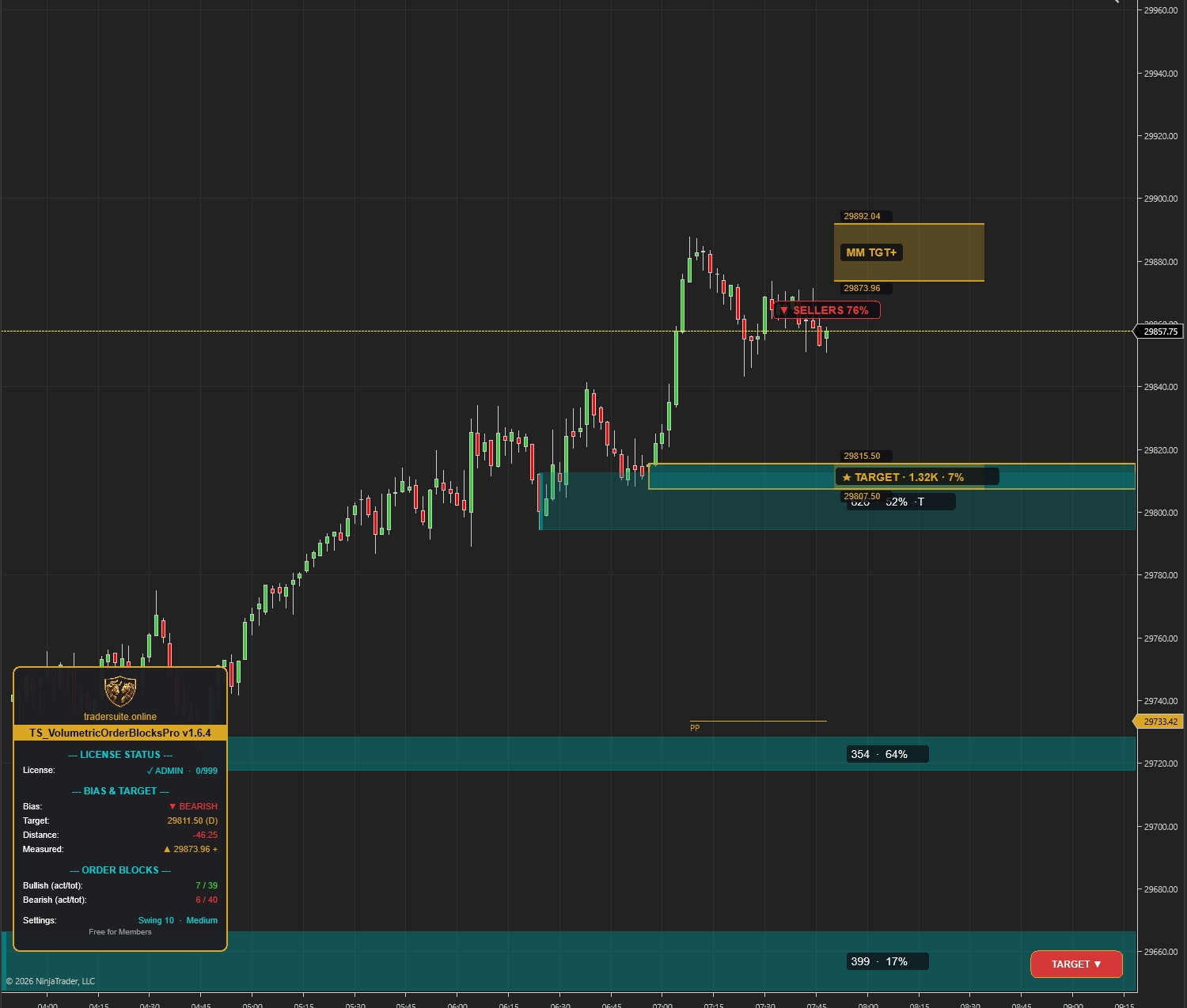
Volumetric Order Blocks Pro
Automatically detect institutional supply & demand zones with volume-weighted order blocks. Identify potential reversal zones where smart money is positioned.
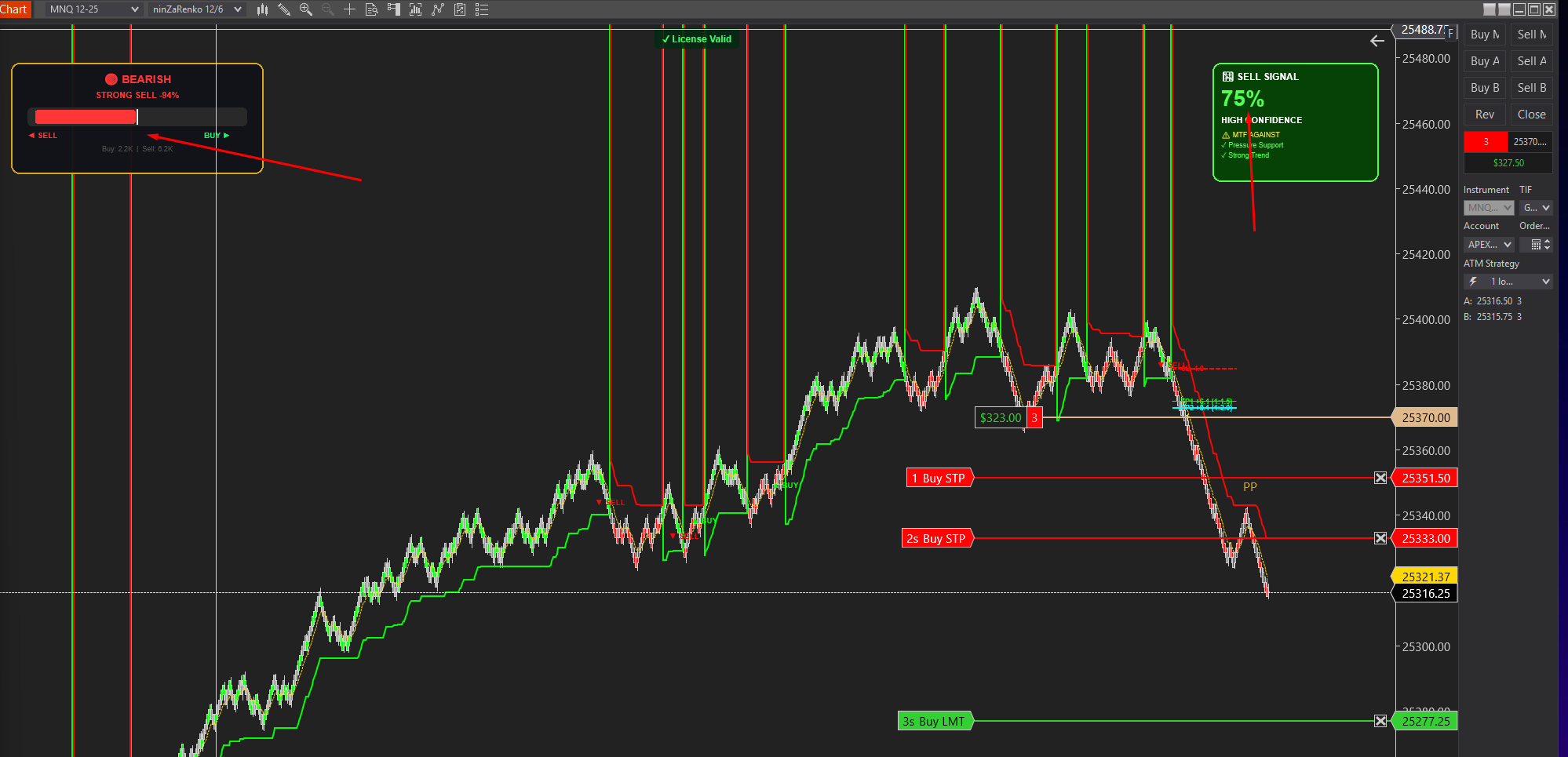
Smartflowpro
Advanced order flow analysis with real-time Pressure Delta Meter, multi-timeframe confluence scoring, and intelligent signal probability rating. Know who's in control before you trade.
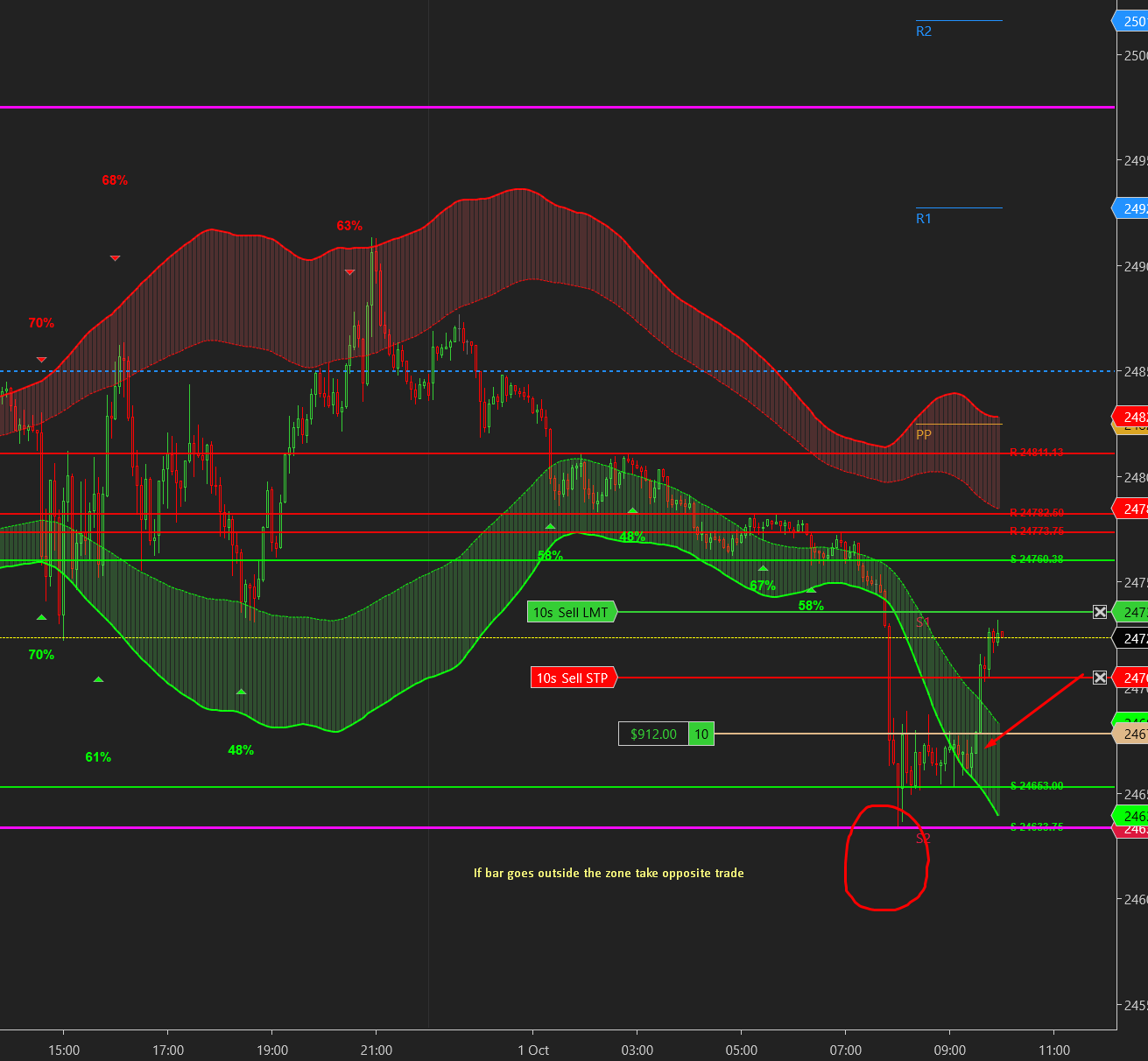
UltraADXVolatilityWaves
Professional ADX-powered volatility zones indicator with dynamic Support/Resistance, Daily/Weekly levels, ATR-based TP/SL targets, and probability-scored signals. Identify potential reversal zones in real-time.
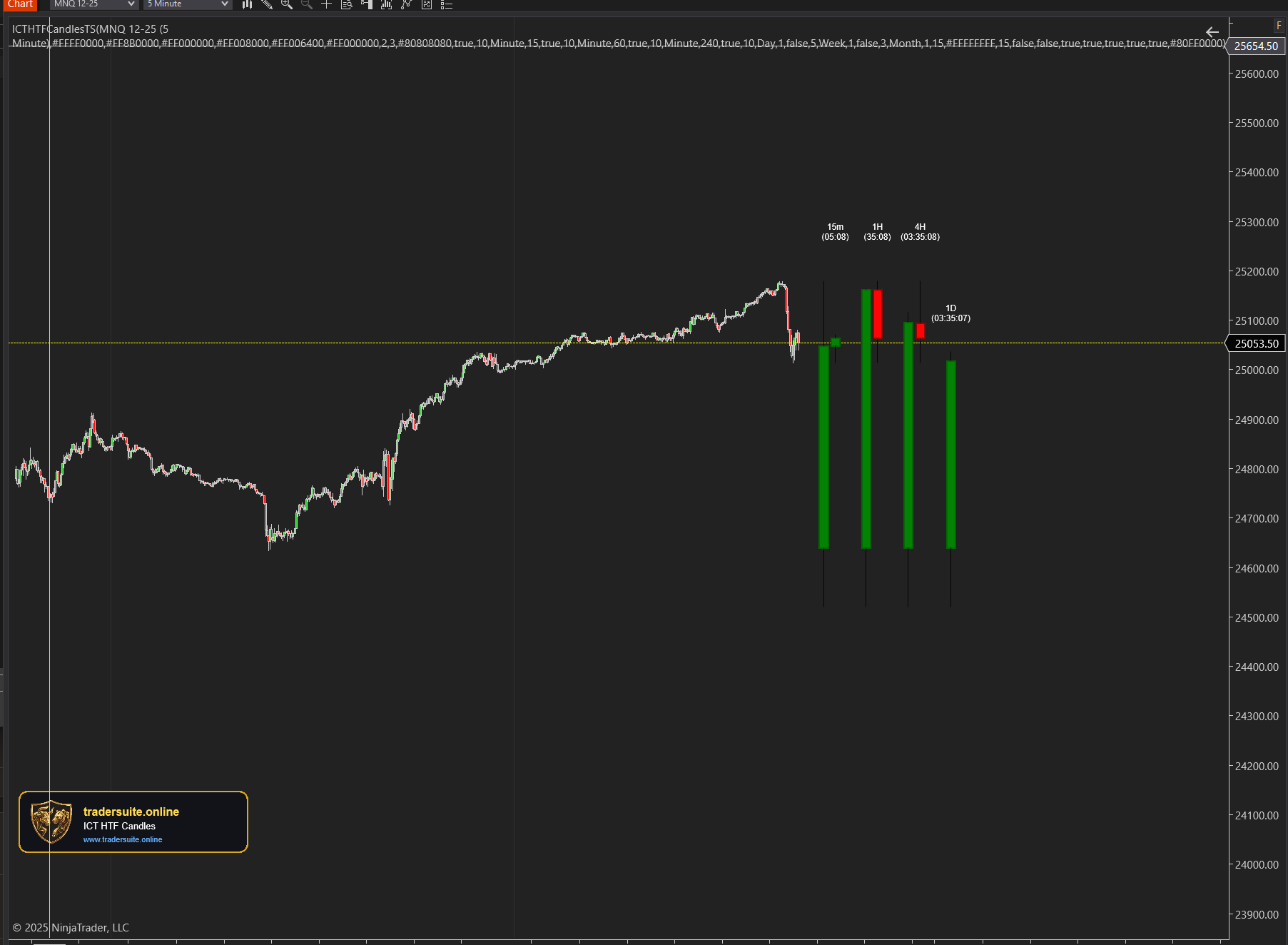
ICT HTF Candles Pro
Visualize multiple higher timeframe candles directly on your chart with real-time countdown timers, Fair Value Gap detection, and Volume Imbalance highlighting. Perfect for ICT traders who need multi-timeframe confluence without switching charts.